Pricing
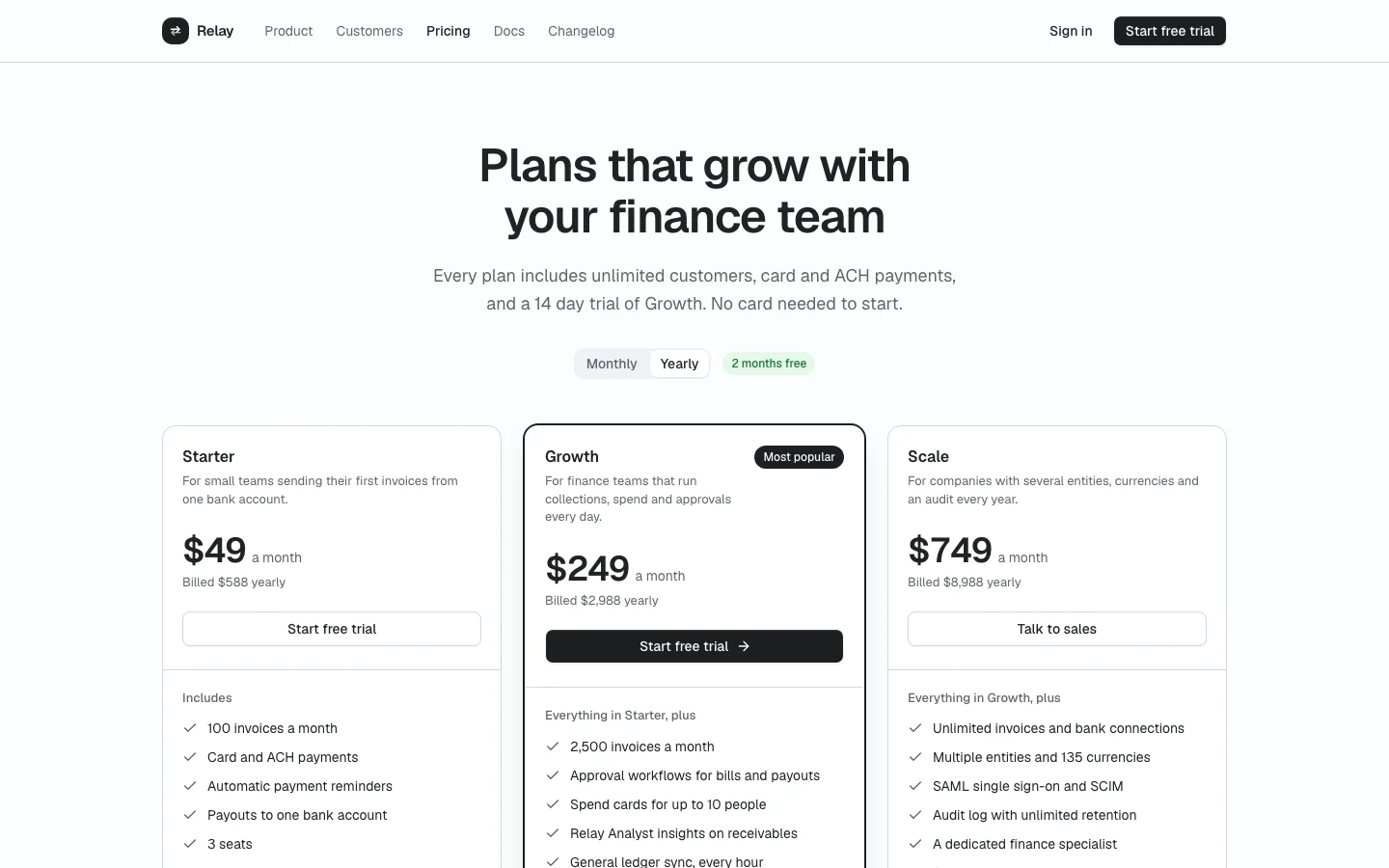
ProA pricing page with three tiers and a monthly or yearly toggle, a full feature comparison grouped by category and an FAQ.
Install
The screen lands in app/pricing/ with every component it uses. Change it like any other code in your app. It is part of Prodular UI Pro, so run npx prodular-ui login first. See pricing.
npx prodular-ui add pricingStates
The screen ships with 3 states. Pick one with the tabs above the preview, with ?state= in the URL, or with the state prop from your app.
- Default
- Current plan
- Redirecting to checkout
Files
- app/pricing/page.tsx
- app/pricing/states.tsx
- app/pricing/plans.ts
- app/pricing/relay-logo.tsx