Sign up
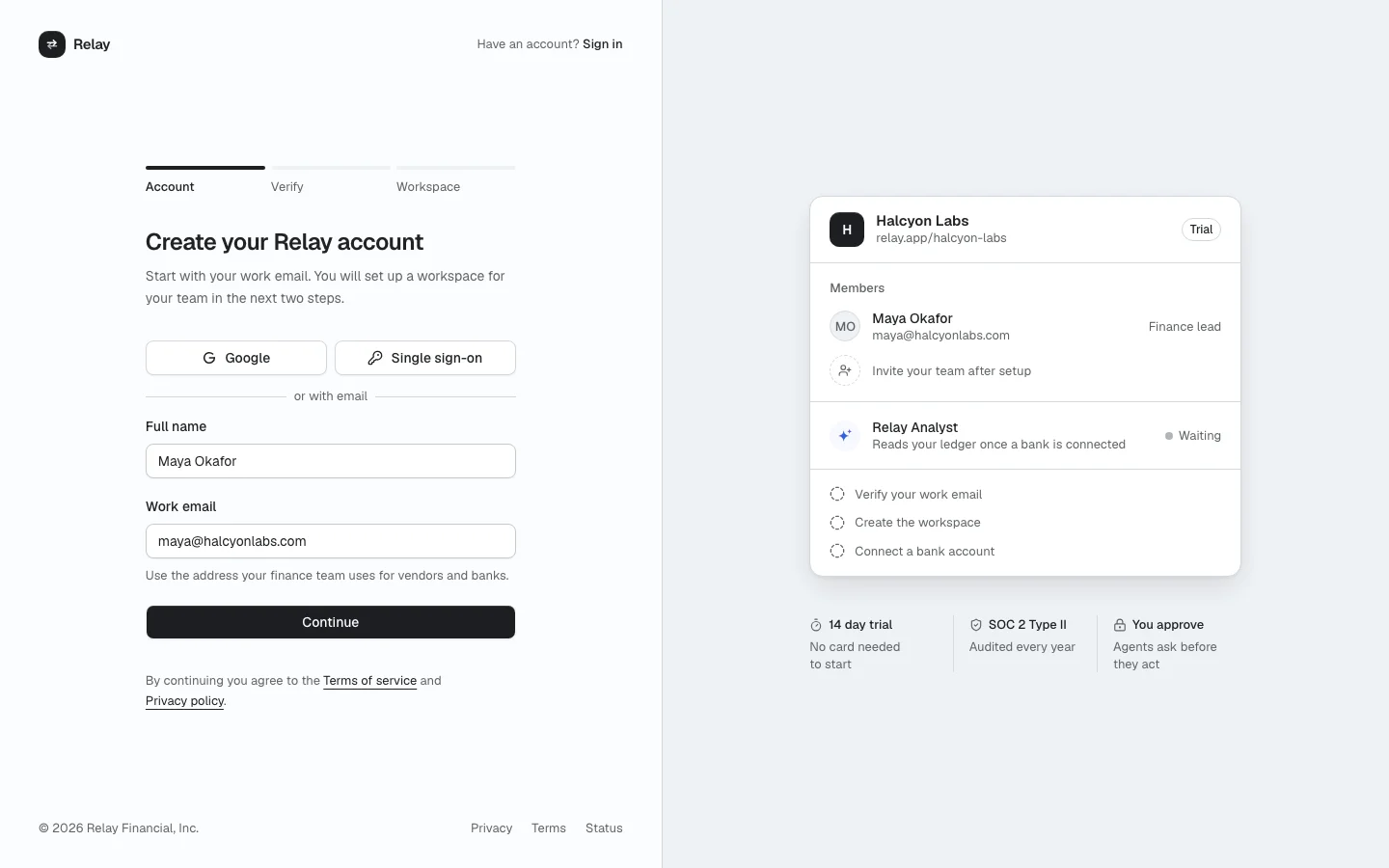
ProA three step sign up: work email and name, a 6 digit email code, then the workspace name, URL, team size and role. A live preview of the new workspace on the right fills in as people type.
Install
The screen lands in app/sign-up/ with every component it uses. Change it like any other code in your app. It is part of Prodular UI Pro, so run npx prodular-ui login first. See pricing.
npx prodular-ui add sign-upStates
The screen ships with 6 states. Pick one with the tabs above the preview, with ?state= in the URL, or with the state prop from your app.
- Account
- Verify email
- Workspace
- Email in use
- Code expired
- SSO enforced
Files
- app/sign-up/page.tsx
- app/sign-up/preview.tsx
- app/sign-up/relay-logo.tsx