AI usage and billing
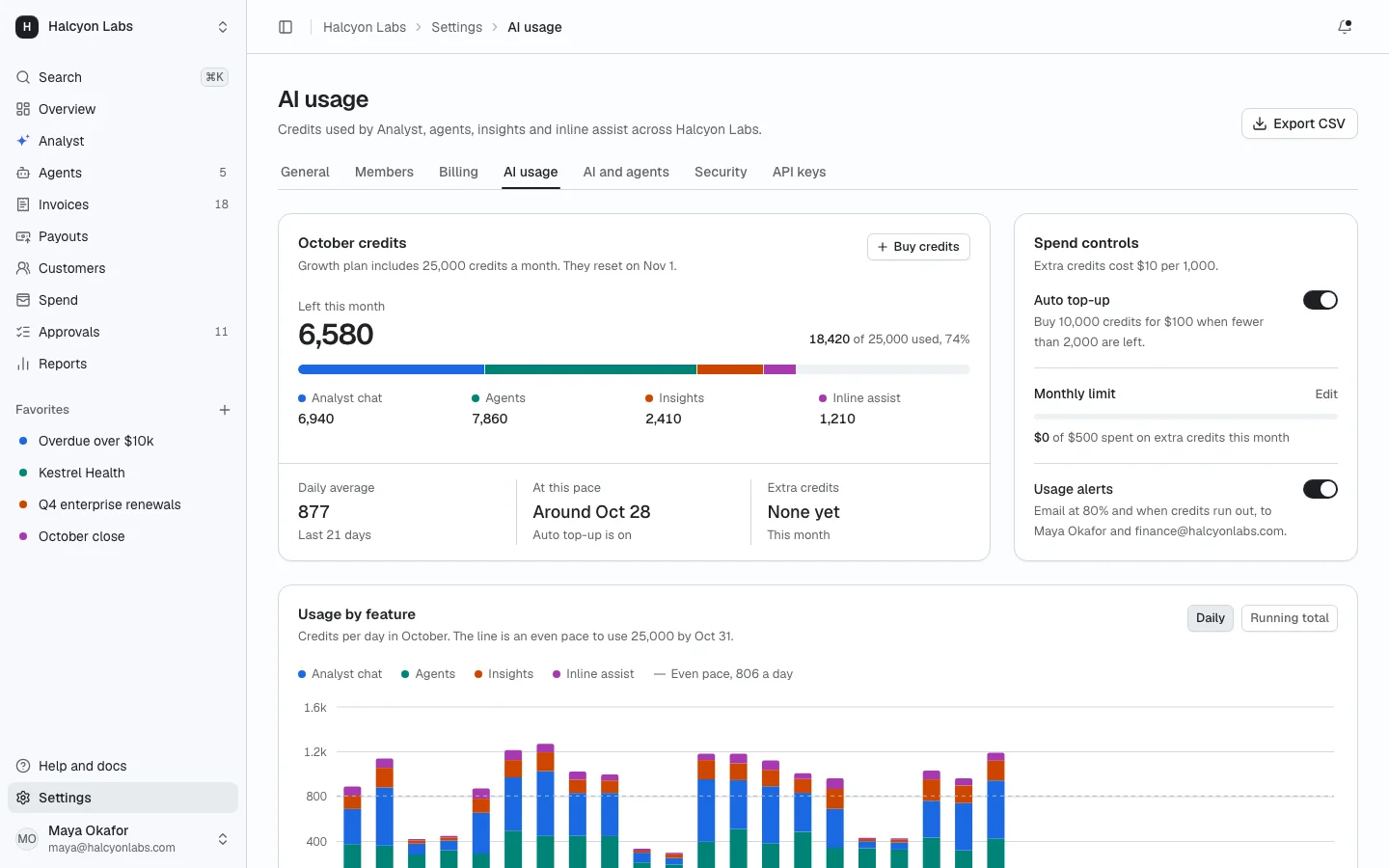
ProAI credits for the workspace: the balance with a segmented meter, top-up and auto top-up, spend limits with alerts, daily usage by feature, usage by member, agent and model, and invoices.
Install
The screen lands in app/usage-billing/ with every component it uses. Change it like any other code in your app. It is part of Prodular UI Pro, so run npx prodular-ui login first. See pricing.
npx prodular-ui add usage-billingStates
The screen ships with 5 states. Pick one with the tabs above the preview, with ?state= in the URL, or with the state prop from your app.
- Default
- Near limit
- Out of credits
- Loading
- Error
Files
- app/usage-billing/page.tsx
- app/usage-billing/settings-header.tsx
- app/usage-billing/app-shell.tsx
- app/usage-billing/data.ts